
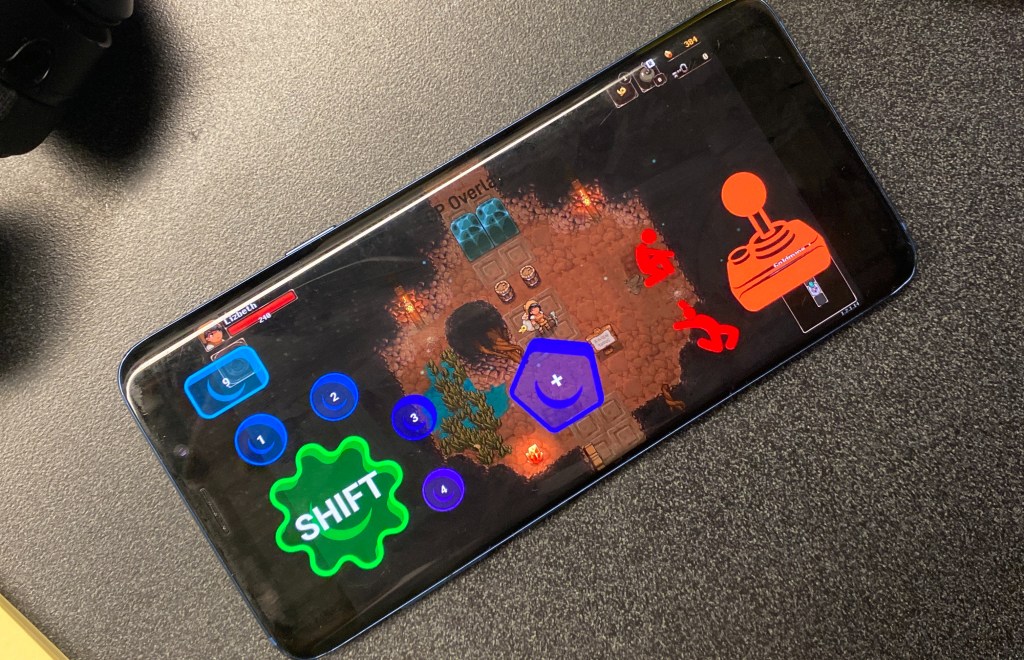
How to play PC Games on Mobile?
Everyone knows that PC games are simply better than Android games. There are of course ports but the mobile alternatives are often just worse. For these reasons I find myself asking “How do I play PC games on my phone??” quite often.

What are the potential solutions to play PC Games on Mobile?
There are several potential solutions. Some PC to Phone players try to emulate a PC game on their phone. This however is extremely cumbersome. This requires users to fully transcode the entire game they wish to play into a different coding language compatible with their phone! Nobody got time for that! There are several groups who attempt to do this spending months, even years of their time building, only for the working result to be too hardware intensive to run smoothly on an android.
Another Potential solution is to simply stream the game. It seems simple enough, just take the screen of the gameplay and beam it to your phone and take the controls from the phone and beam it to your computer, SIMPLE! This may seem like a naive approach but no, it actually works. The naysayers may then retort, the latency, or the framerate just isn’t good enough to handle such a task. But interestingly enough if you have access to modern high-speed internet you will hardly experience these issues.
Ok, But What Can I Use to Do this? (play PC games on Mobile)
Well its actually quite simple with our tool called GP OVERLAY! This android application fulfills all the aforementioned requirements for low latency and high framerate game streaming. And it even creates a touch overlay for you to customize your game controller!
GP Overlay has several other features includeing
- Screen wide button customization
- Advanced buttons such as joystick emulation, sticky buttons and even scroll buttons
- An intuitive keybinding system
- xinput support
- xbox controller support
- Color customization
- Custom button textures
- Compatibility with ANY PC Game
- AND MUCH MORE!
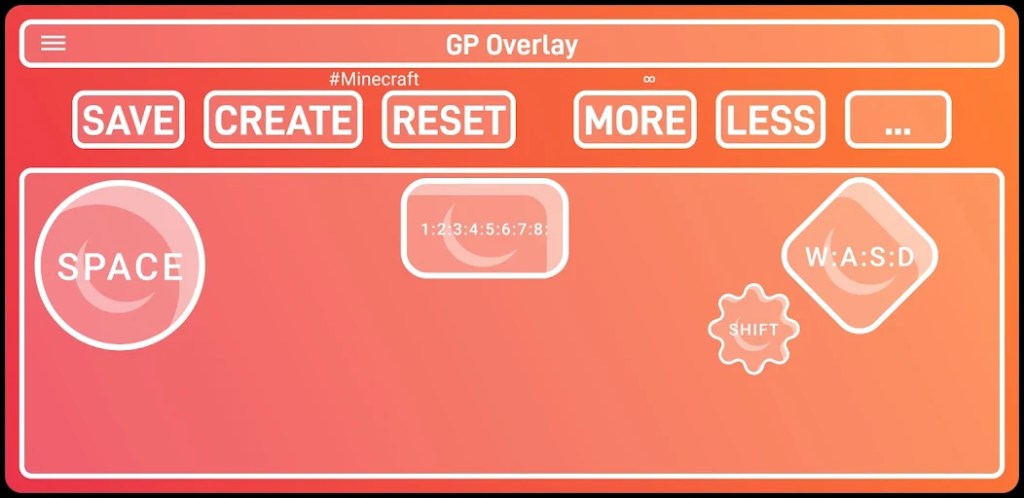

How Do I Get Started?
If you have an android phone simply download the GP Overlay app, and the app will provide a tutorial on how to connect your computer to your phone, allowing for PC to Mobile game streaming!
But while you’re here, I’ll give you a quick rundown.
- Download the GP Overlay app from the google play store
- Go on your computer and create a Parsec account and download the provided software
- Follow this tutorial on how to retrieve your Parsec Peer ID and Parsec Session ID
- Create your own custom Gampad tailored for your game following this button layout guide
- When you are done click the DEPLOY button and click NATIVE MODE


This is a tutorial that goes into detail on how you can set this up for yourself
Please check out this website to learn more about GP Overlay
 GP OVERLAY
Leave a comment